Free · no sign-up
fWHR Calculator: Measure Your Facial Width-to-Height Ratio
Upload a front-facing photo or type two measurements, and this free fWHR calculator divides your cheekbone width by your upper face height. In seconds you get your facial width to height ratio, whether it reads low, typical or high, and the lines drawn on your own photo.
- Photo or typed numbers
- Head tilt corrected
- Photo stays on your device
- Results in seconds
Drop a front-facing photo
JPG, PNG, WebP or HEIC up to 30 MB. One face, straight on, even light.
Runs in your browser. The photo is not uploaded.
How it works
How the fWHR Calculator Works
Knowing how to measure facial width to height ratio by hand takes a ruler and one division. The fWHR calculator takes both spans from your photo and levels your head first. Prefer a ruler? Type the two numbers instead.
Add a Photo or Two Numbers
Drop in a selfie, paste one or use your camera. JPG, PNG, WebP and HEIC all work. Or switch to Enter measurements and type your face width and upper face height in any unit.
Width and Height Measured
On a photo, a face model places 478 facial landmarks in your browser. The calculator levels your head, then reads the bizygomatic width across your cheekbones and the height from brow line to upper lip.
Your Ratio, Drawn on Your Face
Width ÷ height gives your fWHR, placed below, within or above the typical range on a rail. Tap a reading to draw its lines on a close-up of your face.
What it measures
What the fWHR Calculator Measures
One width and one height make the headline number, and two related ratios open beside it. Each reading comes from points you can see on your photo, so you can check it yourself.
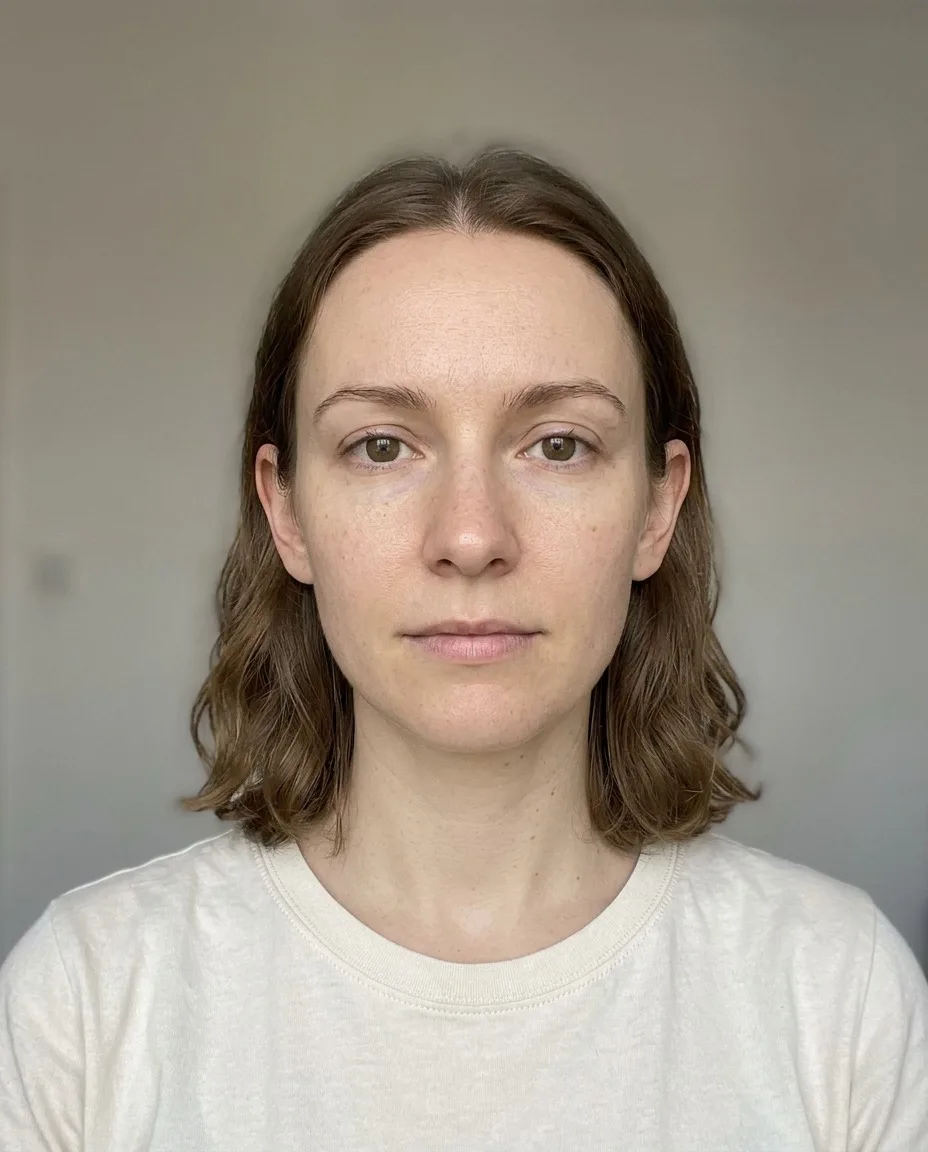
Your fWHR
Cheekbone width divided by upper face height, to two decimal places. Also called the face width to height ratio, it is the headline number and the one that sets your label.
Bizygomatic Width and Face Height
The width runs between the widest points of your cheekbones. The height runs down the middle of your face, from between the brows to the top of the upper lip.
Two Related Ratios
Jaw-to-cheekbone width and face length-to-width open beside your fWHR ratio, each against its own reference band. Tap either one to draw it on your photo.
Your Place on the Rail
A rail shows where your number sits against this tool's typical range of 1.65–2.05, so you can see at a glance how close you are to either edge.
The Rest of Your Ratios
The same photo already holds your other facial ratios. The calculator shows them locked, and the full report opens them with what each one means.
Typed Measurements
No photo? Not sure how to measure face height for this ratio? Go from the brow line to the top of the upper lip, measure face width across the cheekbones and type both.
fWHR meaning
High vs Low fWHR: What Your Number Means
Your ratio falls into one of three bands. A high fWHR means a wider or shorter upper face, a low one a narrower or taller upper face. The cut-offs are this tool's own reference, not a medical norm.
< 1.65
Low fWHR
A narrower or taller upper face than the typical range. Long face shapes often land here, and a head turned to one side can narrow the width and pull a reading down.
1.65–2.05
Typical fWHR
Width and height sit within the range this calculator treats as typical. It is a reference band, not a target: a number inside it is no better than one just outside.
> 2.05
High fWHR
A wider or shorter upper face than the typical range. Broad cheekbones can land here, and so can a smile or a close phone lens, so check the photo before trusting the number.
Why do other tools show different numbers? Studies and calculators start the height at different points. This one starts at the brow line, so a tool that starts at the upper eyelid gives the same face a higher ratio.
Accuracy and limits
How Accurate Is an fWHR Calculator?
An fWHR calculator is accurate at one job: dividing one span on your photo by another, the same way every time. The photo sets those spans, and what the number means is far less settled.
Same Photo, Same Ratio
What it measures well
The same photo always returns the same fWHR. No language model gives an opinion, so nothing flatters you or drifts between runs.
What it can't tell you
One fixed number across different photos. A change of lens, distance or expression moves the ratio, and that matters most near the edge of a band.
Head Position
What it measures well
A head leaning to one side is corrected, because width and height are read along your face's own axes and not the edges of the photo.
What it can't tell you
A head turned away or tipped up or down. A flat photo cannot undo that, so a clear turn or tip marks the reading as low confidence.
Brow Line or Eyelid
What it measures well
One repeatable start point, the middle of the brow line, used on every photo. That keeps your own readings fair to compare with each other.
What it can't tell you
A universal scale. Research uses more than one start point, so your number cannot be set directly against a figure from another tool or study.
What the Ratio Means
What it measures well
A plain geometric fact about one photo: how wide your upper face is against its height.
What it can't tell you
Your personality, hormones or attractiveness. A 2015 meta-analysis found only weak links with behaviour, and a 2015 study of 3,481 athletes found little support for them.
Lens distance and expression both move this reading, so match them, and keep the camera at eye level, before you compare two results.
Photo tips
Photo Tips for a Ratio You Can Trust
The fWHR calculator measures the photo, so the photo decides the ratio. Six habits keep both spans honest and make two readings fair to compare.
Step Back From the Lens
A close selfie widens the middle of the face and raises your ratio. Hold the phone level with your eyes, an arm and a half away, or use a timer.
Face the Lens Squarely
Keep your nose centred and both ears equally visible. A turned head hides part of one cheek, and the width shrinks with it.
Soft Light From the Front
Face a window. Side light can lose the edge of one cheek in shadow, and the width depends on finding both edges cleanly.
Neutral Face, Mouth Closed
A smile lifts your upper lip and shortens the upper face, which raises the number. Relax your mouth and leave your brows where they rest.
Hair Back, Glasses Off
Loose hair can cover the cheeks and a heavy fringe hides the brow line. Tie your hair back and take your glasses off before you shoot.
Sharp, With No Filters
Beauty filters can reshape the cheeks and jaw, and blur loosens every landmark. Turn off beauty mode and rest the phone on something steady.

Changing the look
Can You Change Your fWHR?
People search for how to decrease fWHR or get a longer one, but there is nothing to fix. The ratio comes from your bone structure, with body weight playing a part, and no exercise is known to move it. You can change how a face reads.
Start With the Photo
A close lens or a turned head can move a reading more than any styling can. Retake the picture at eye level before you decide what your ratio is.
Keep Your Smile for Everyday Photos
A relaxed smile lifts the cheeks and looks warmer than the neutral face the fWHR calculator asks for. Keep the neutral face for measuring and the smile for everything else.
Let Hair Shape the Frame
Height at the crown and length past the jaw help a wide face read longer. Soft volume at the temples does the reverse for a long, narrow face.
Frames in Proportion
Frames about as wide as your face keep things balanced. Deeper lenses add height to a wide face, and bolder temples add width to a narrow one.
Contour and Blush
Soft contour under the cheekbones helps a wide face read narrower. Blush swept across the cheeks adds width to a long one, and a flatter brow does the same.
Retest the Same Way
Use the same spot, light and distance each time. Then a change in your fWHR reflects your face and not the camera.
Your privacy
Your Photo Never Leaves Your Device
This fWHR calculator works inside your browser. Your photo is measured on your own phone or computer, so it is never uploaded, stored or used to train a model.
Measured on Your Device
The face model downloads to your browser and runs there. Your photo stays on your phone or computer throughout.
No Sign-Up
The free tool needs no account, no email and no payment. Close the tab and the photo is gone.
Never Used for Training
A photo that is never uploaded cannot be kept or used to train a model. The same goes for every free FaceStats tool.
Uploaded Only for the Full Report
The optional full report uses AI processing in the cloud. Your photo is uploaded only after you choose to buy it and agree, and you can delete it afterwards.
Full Report for Adults
The paid report is for people aged 18 and over using a photo of themselves. The free calculator asks for no personal details.
Typed Numbers Stay Local
Measurements you type are divided in your browser. They are not sent anywhere or saved, so they are gone when you close the tab.
Common questions
fWHR Calculator FAQ
Short answers on what the ratio is, where it is measured from and what a result can and cannot tell you about your face.
More tools
More Free Face Tools
Each one looks closely at one part of your face, such as its shape, its symmetry or your midface, free and in your browser.
Calculate Your fWHR in Seconds
Upload one photo or type two measurements, and the fWHR calculator shows your ratio, its place on the rail and the lines on your own face. Free and private, with no sign-up.